Why You Cannot See Your Party Member
Being in a Party does not always place you beside your friend. AION 2 uses separate world instances for some areas, and story missions can also send players into private solo spaces. That is why an invited friend may appear grayed out or be missing from the immediate area.
For open-world play, the important step is to join the same instance after forming your Party. For dungeons and other supported activities, enter through the activity interface so the game places everyone in the same run.
| Situation | Can friends play together? | What to do |
|---|---|---|
| Open world | Yes | Form a Party and join the same world instance if needed. |
| Story instance | Often no | Complete the solo portion individually, then regroup afterward. |
| Expedition or Transcendence dungeon | Yes | Enter with your Party or use the activity’s group tools. |
| Sanctuary | Yes | Build a larger eligible group and enter through the activity menu. |
| Matchmade PvE | Yes, when supported | Use Quick Join or matchmaking from the selected activity. |
Early questing is more solo-focused than later content. You can still travel and fight normal open-world enemies together, but individual story progress may not advance for both players at once.
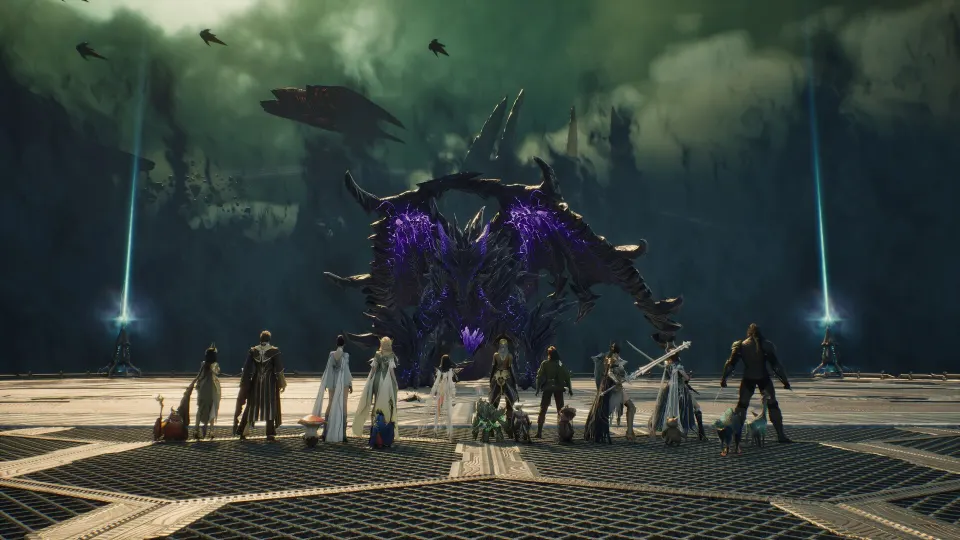
Join Friends in the Same Instance
First, make sure you are actually in a Party. Adding someone as a friend makes them easier to contact, but it does not automatically create a group or move either player into the other player’s instance.
Follow these steps when you want to meet a friend in the open world:
- Open the Friends menu and search for your friend’s character name, or select them nearby.
- Send and accept the friend request if you want them saved to your Friends List.
- Open the Party interface from the gameplay HUD and create a Party.
- Send a Party Invite to your friend and wait for them to accept.
- Check the Party UI to confirm both characters are listed.
- If one player is grayed out or cannot be seen, select the party member and look for an instance-joining or instance-registration option.
- Use that option when it is available, then wait briefly for the world to update.
Keep these distinctions in mind:
- A Friends List entry helps you find and contact someone later.
- A Party is required for most organized multiplayer play.
- An instance sync places compatible Party members in the same world layer.
- A private story area may prevent syncing until the solo objective is finished.
Holding Alt makes it easier to bring up the cursor and select a nearby player. From that interaction menu, you can add them as a friend or invite them directly to your Party.
| Action | Where to start | Result |
|---|---|---|
| Add a friend | Friends menu or nearby character interaction | Saves the player for future contact. |
| Invite to Party | Party UI or character interaction | Creates an active group for supported content. |
| Join an instance | Selected party member, when the option appears | Moves you into that player’s compatible world layer. |
| Find the player | Party UI or map | Helps locate a grouped player after instance sync. |
| Leave or change leader | Party tab | Lets the group reorganize without remaking every friendship. |
The instance option may not appear everywhere. If the current area is a private story step, a solo dungeon, or another restricted activity, you may need to finish or exit it before the two of you can stand together.
Enter Group Activities Together
For Expeditions, Sanctuaries, and other multiplayer PvE activities, start from the activity itself rather than trying to sync manually in the world. The activity interface is designed to put eligible party members into the same content.
The Party leader can configure a group’s category, recruitment method, and reward distribution before inviting players. If your group is short a few players, matchmaking can fill the remaining slots.
| Activity | Typical party limit | Best way to enter with friends |
|---|---|---|
| Expeditions | Up to 5 players | Create a Party, then enter or fill openings with Quick Join. |
| Transcendence dungeons | Up to 5 players | Queue or enter from the dungeon interface with your group. |
| Sanctuaries | Up to 10 players | Assemble the full group through Party tools before entering. |
| Battlegrounds | Varies by mode | Use the applicable matchmaking or group option. |
| Open-world events and bosses | Varies | Party up, travel together, and coordinate in the same instance. |
Quick Join is most useful when you need additional players, not when you are trying to guarantee placement with one particular friend. Build your own Party first whenever you want to stay together.
Some supported PvE content can match Elyos and Asmodian players together. That does not mean factions can freely group together throughout the whole game. Treat cross-faction access as activity-specific and check the entry screen before making plans.
Cross-server friends can also be added and may be able to join applicable matched content. Server choice can still matter for ordinary open-world adventuring, social groups, and faction-based activity, so coordinate your region, server, faction, and usual play times before investing heavily in separate characters.
Fix Common Party and Instance Problems
If an invite works but you cannot interact with or see your friend, do not immediately disband the Party. Start by checking whether one player is in a solo mission, restricted zone, or different world layer.
| Problem | Likely cause | Practical fix |
|---|---|---|
| Friend is grayed out | Different instance or unavailable activity state | Try joining their instance; leave private content if no option appears. |
| Invite cannot be accepted | Existing group or temporary activity restriction | Leave the current group or exit the activity, then retry. |
| You are grouped but story progress differs | Story objectives are individual or solo-only | Continue the story separately and regroup in the open world afterward. |
| Party cannot enter a dungeon | A member lacks the required unlock, level, or eligibility | Review the activity requirements for every member. |
| Group is incomplete | Not enough players for the intended content | Use recruitment or Quick Join to fill open slots. |
A reliable routine is to finish tutorials and early required solo tasks first, then meet at the next open-world hub or activity entrance. This avoids repeatedly trying to instance-sync while one player is still locked into a personal quest sequence.
For a regular duo or fixed group, decide who creates the Party each session. Keeping one person as the usual leader makes it simpler to manage settings, invite replacements, and start the correct activity.
FAQ
How do I handle an aion 2 join friends instance issue?
Form a Party first, then select the party member who is in the desired world layer and use the instance-join option if it is available. If no option appears, one of you is likely in a solo story area or another restricted instance.
Can I play the entire story with friends?
No. Much of the early progression and some story instances are intended for solo completion. You can still explore the open world, fight standard enemies, attend events, and complete supported multiplayer activities together.
Does adding a friend automatically put us together?
No. A Friends List connection only makes the player easier to find, message, and invite. You must create or join a Party, then sync instances when the area allows it.
Can two friends use Quick Join together?
Create a Party before using the activity’s matchmaking options. This gives the best chance of entering together while the system fills any remaining slots.
How many players can join group PvE?
Expeditions and Transcendence dungeons support up to five players. Sanctuary content can support up to 10 players.